If you wish to connect your Excel file to Live or Historical Stock Data please follow the instructions below.


Search the Stock in the address bar as shown below:


The Data Connection can always be refrehes by clicking on the "Refresh All" button as below:

After Opening a new Excel Workbook:

The "New Web Query" Excel Browser will open as below:

Search the Stock in the address bar as shown below:


A Start Date and End Date for the Historical Data can be selected above.( Click on "Get Prices" Afterwards). TIP: If date is left far in the future Excel will always have the latest data when the connection is refreshed.
After Step 4) just Click IMPORT and proceed to the step below:

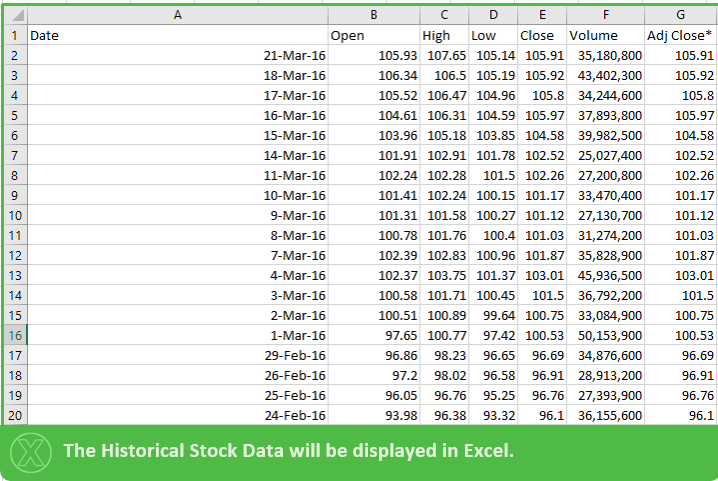
The Data Connection can always be refrehes by clicking on the "Refresh All" button as below:

Thank you for your attention!
Created by DoMyExcel.com © | Excel & VBA Consulting | Customized Excel Solutions starting at 89 USD